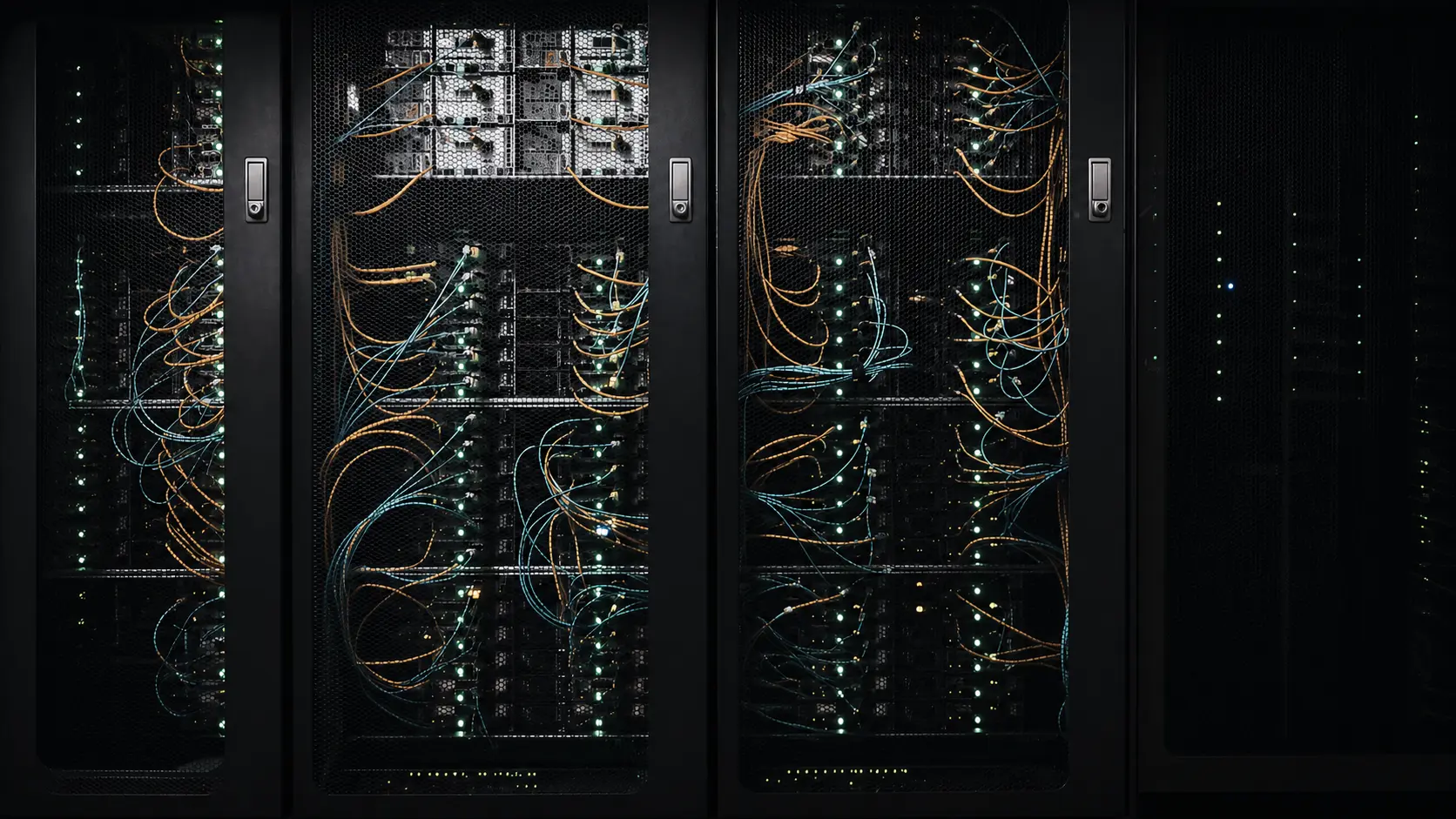
Whether working remotely, streaming ultra-high-definition content, transferring large files, connecting a business site or running cloud-based business tools, connection quality has become essential. Fiber optics are perfectly suited to these evolving needs.
But behind the idea of “having fiber,” there are several technologies, connection stages and technical choices. In this guide, we explain what fiber optics are, how they carry data, why their performance exceeds that of older copper lines and how an on-site installation is carried out.
Fiber in 30 Seconds
What Are Fiber Optics?
An optical fiber is an extremely thin strand, generally made of glass, designed to carry information in the form of light signals. Unlike copper cables, which transmit electrical signals, fiber uses light to carry data.
A fiber-optic cable includes several protective elements around the optical core. The core carries the light, the optical cladding helps keep it within the fiber, and additional layers provide mechanical protection against stresses related to installation and the environment.
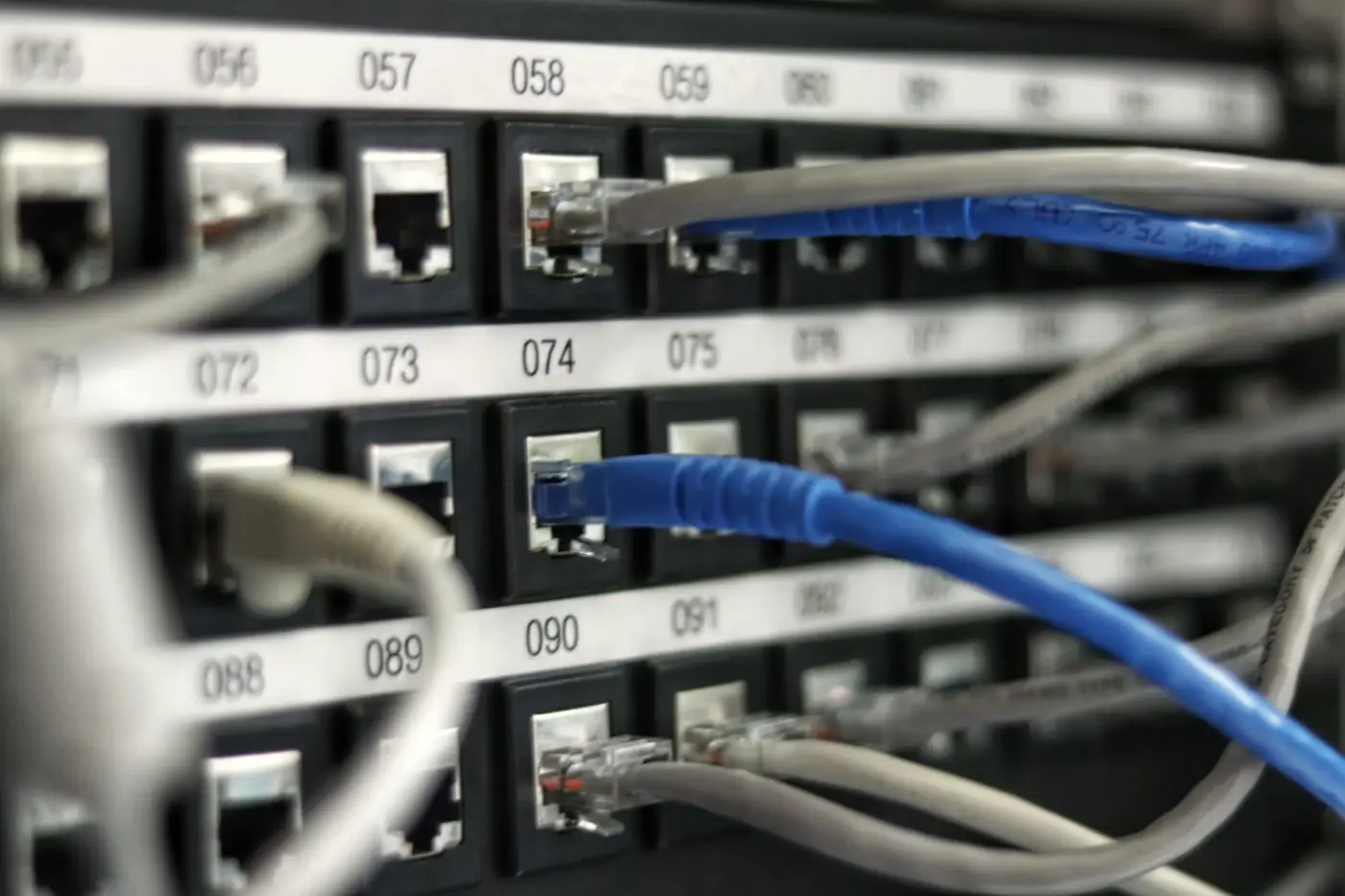
This technology is used in public telecommunications networks, buildings, data centers, business networks, certain industrial installations and interconnections between equipment.
How Does Fiber Optics Work?
The general principle is simple: digital data is converted into light pulses, sent through the fiber, carried to its destination and then converted back into information that network equipment can use.
Data
Digital information is prepared by the network equipment.
Light Signal
Data is converted into light pulses.
Transmission
Light travels through the fiber to the receiving point.
Connection
The signal is processed to serve the local network and connected devices.
Light remains guided inside the fiber core thanks to the optical properties of the materials used. This makes it possible to transmit large amounts of information with low loss and without using an electrical signal inside the fiber itself.
Why Have Fiber Optics Become Essential?
The first advantage that comes to mind is speed, but it is not the only one. A well-designed fiber infrastructure also improves stability, makes network expansion easier and better supports the simultaneous needs of multiple users.
High Speeds
Fiber enables fast transfers and is well suited to data-intensive uses such as cloud services, video conferencing, backups, 4K video and large file transfers.
Stable Connection
It is immune to electromagnetic interference that can affect certain metal cables and provides consistent transmission quality.
Simultaneous Use
Multiple people and devices can work, communicate or access content at the same time with greater reliability and comfort.
Future-Ready Infrastructure
Fiber provides a foundation that can support future growth in digital needs without systematically replacing the physical medium.
A good fiber installation is not just about achieving high speeds: it must also be clean, clearly identified, protected and designed to remain easy to maintain over time.
FTTH, FTTB, FTTO: What Are the Differences?
The acronyms used in fiber optics mainly indicate how far the optical connection extends. Understanding the difference makes it easier to evaluate an offer or connection project.
| Type | Meaning | Principle | Typical Use |
|---|---|---|---|
| FTTH | Fiber To The Home | The fiber runs directly to the home or premises. | Homes and small business premises. |
| FTTB | Fiber To The Building | The fiber reaches the building, while internal distribution may use another technology. | Apartment buildings and shared infrastructures. |
| FTTO | Fiber To The Office | A fiber connection designed for business needs, often with services tailored to the organization. | Businesses and professional sites. |
Remember: the right choice depends on the type of building, existing architecture, expected service level and actual usage. A technical assessment helps avoid both overengineering and solutions that are too limited.
How Does a Fiber-Optic Installation Work?
The exact process varies depending on the site, but a professional installation generally follows several steps: route preparation, cable installation, connection, testing and commissioning.
Site Assessment
Identification of access points, conduits, ducts, technical rooms, possible routes and building constraints.
Route Preparation
Selection of a clean, protected route to reduce mechanical stress and make future work easier.
Cable Pulling and Connection
Installation of the cable, fiber preparation, connection of the ends and organization of termination points.
Testing and Measurements
Verification of continuity, link quality and any potential losses to validate the installation.
Commissioning
Connection of equipment, functional testing and verification of network access according to the project scope.
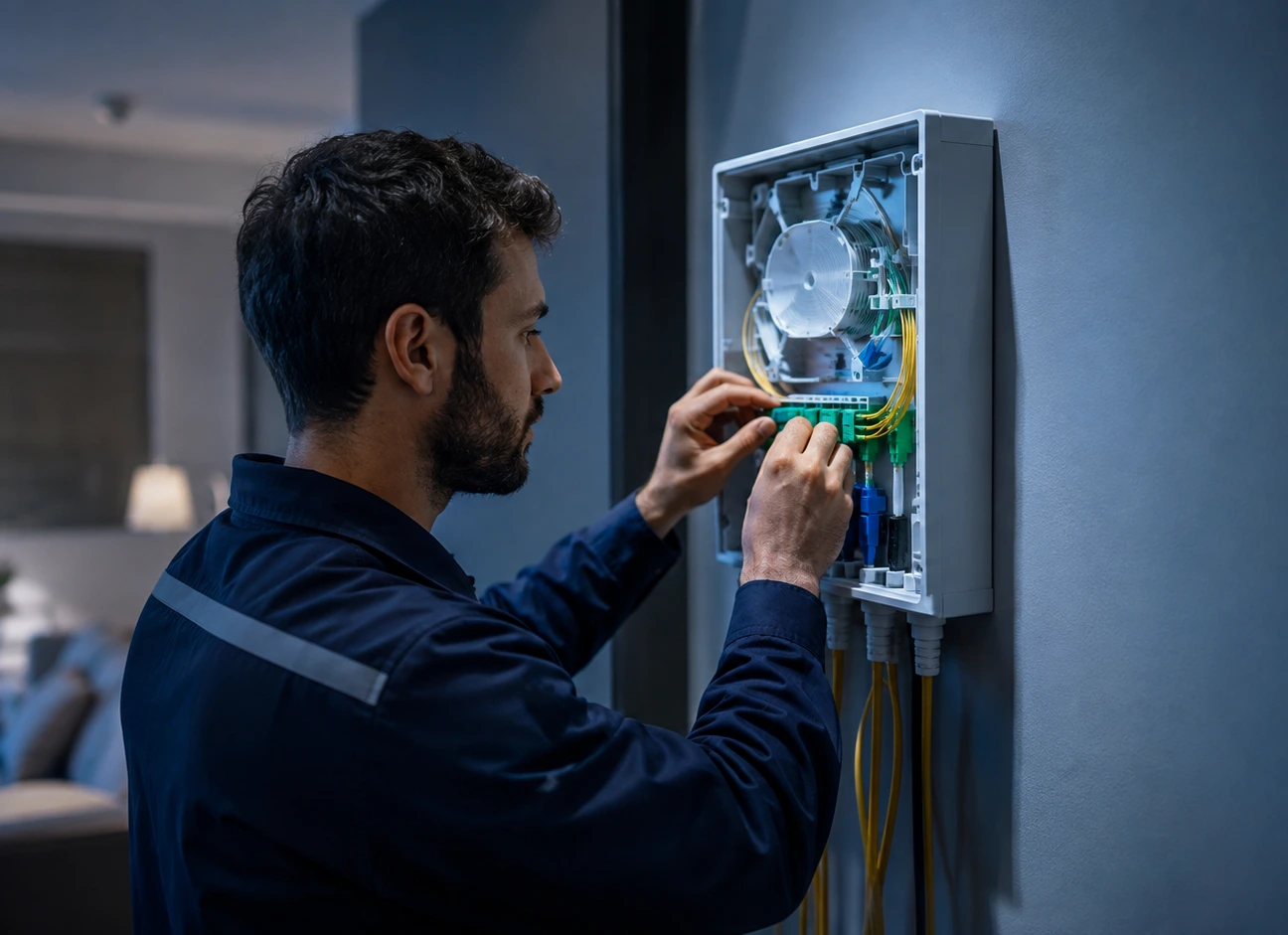
Bend radius, cable protection, connector cleanliness and network identification are all details that influence reliability.
Why Is Fiber Strategic for a Business?
In a business, the internet connection is no longer simply a convenience: it often supports part of daily operations. Email, cloud tools, IP telephony, backups, video conferencing, remote access, business software and customer communication can all depend on network quality.
Sizing the Network for Real Business Needs
A small business with a few workstations does not face the same constraints as a multiservice site, connected store or technical infrastructure. Before installation, it is therefore important to assess current usage, peak activity, the number of users and future needs.
- Remote Work and Video Conferencing
- Telephony and Cloud Services
- Backups and Large File Transfers
- Multi-User Networks
- Infrastructure Scalability
In professional environments, the quality of internal cabling is just as important as the fiber connection itself. A very fast connection can be limited by an undersized local network, outdated equipment or poor distribution architecture.
Fiber Maintenance: What Problems Can Occur?
A properly installed fiber connection is reliable, but no infrastructure is completely protected from incidents. Problems may result from a damaged cable, contaminated connectors, an excessively tight bend radius, work performed on the network or failed active equipment.
Troubleshooting should remain methodical: first check the equipment and power supplies, inspect the connectors, examine the cable route and then carry out the measurements appropriate for the link. The goal is to identify the cause before unnecessarily replacing components.
How Should You Prepare Your Fiber Project?
To achieve a high-performing network that is easy to expand, it is useful to prepare the project before work begins. The choice should not be limited to the advertised speed: equipment placement, cable routing, the technical environment and future needs matter just as much.
5 Points to Check
- 01
Define Usage Needs : number of users, devices, software and services involved.
- 02
Identify Technical Points : network entry point, rack, outlets, rooms and equipment to be served.
- 03
Identify Cable Routes : conduits, suspended ceilings, trunking or available pathways.
- 04
Plan for Future Growth : future workstations, building expansion or increased needs.
- 05
Document the Installation : clear identification of links to simplify maintenance and troubleshooting.
Working with a professional helps turn these needs into a coherent installation. At DNM44, we provide assessment, deployment, connection and maintenance services for fiber-optic networks for individuals and businesses.
Fiber Optics: Infrastructure Built for Today's and Tomorrow's Needs
Speed, stability, capacity and scalability explain the central role of fiber in modern networks. But connection quality also depends on how the network is assessed, installed, connected and maintained.
A well-prepared project helps avoid weak points, simplifies maintenance and provides infrastructure capable of supporting the long-term evolution of digital needs.